Introduction
You are going to start lesson 1
Introduction
Welcome!
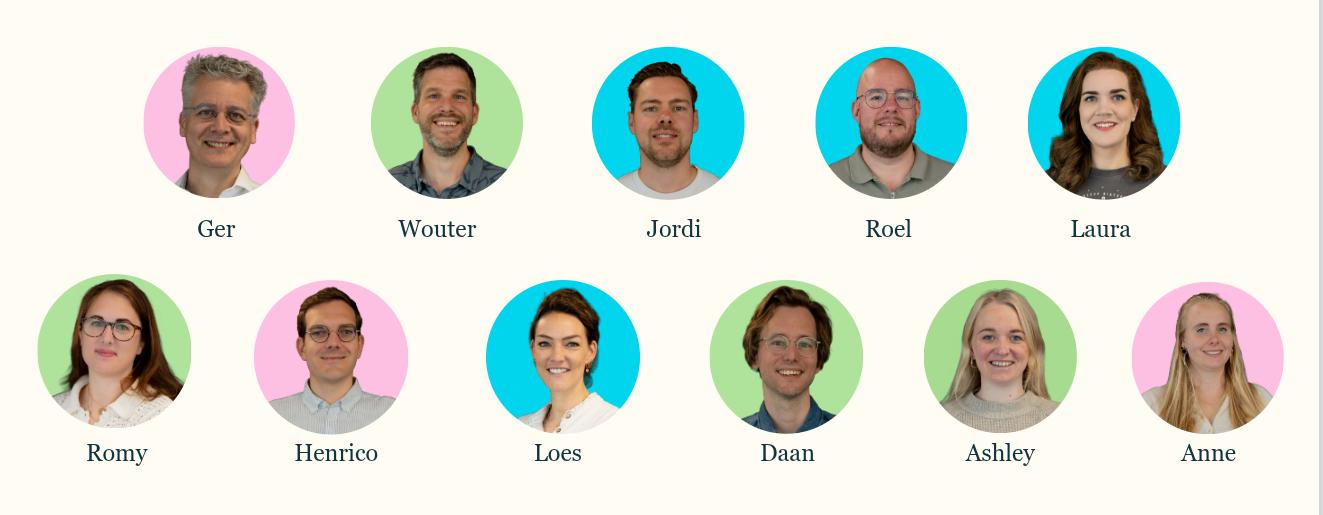
Introducing: the team behind RoutineFactory! 👋 Together, we happily build towards more peace of mind, clarity, and independence every day.
We hope you enjoy taking this e-learning. Hopefully, it gives you plenty of inspiration to smartly deploy RoutineFactory at your location.
We are here for you if you have any questions!!
Route of the modules
Below is an overview of the route through the modules that fits your role and location:
Module 1 This module is for everyone who works with RoutineFactory. You have started here!🚀
Module 2 Follow this module if you want to learn the basics of the information board at your location.
Module 3 Follow this module if you want to learn everything about the management and possibilities of the information board. (in addition to module 2)
Module 4 Follow this module if you want to know how you can use the app for your clients.
💡 Handy learning tip beforehand: Practice along right away! Feel free to open your own RoutineFactory environment in an extra tab. That way, you can pause the videos and participate immediately. Would you rather go through the entire training first before getting started yourself? No problem! Above all, choose what works best for you.

Introduction
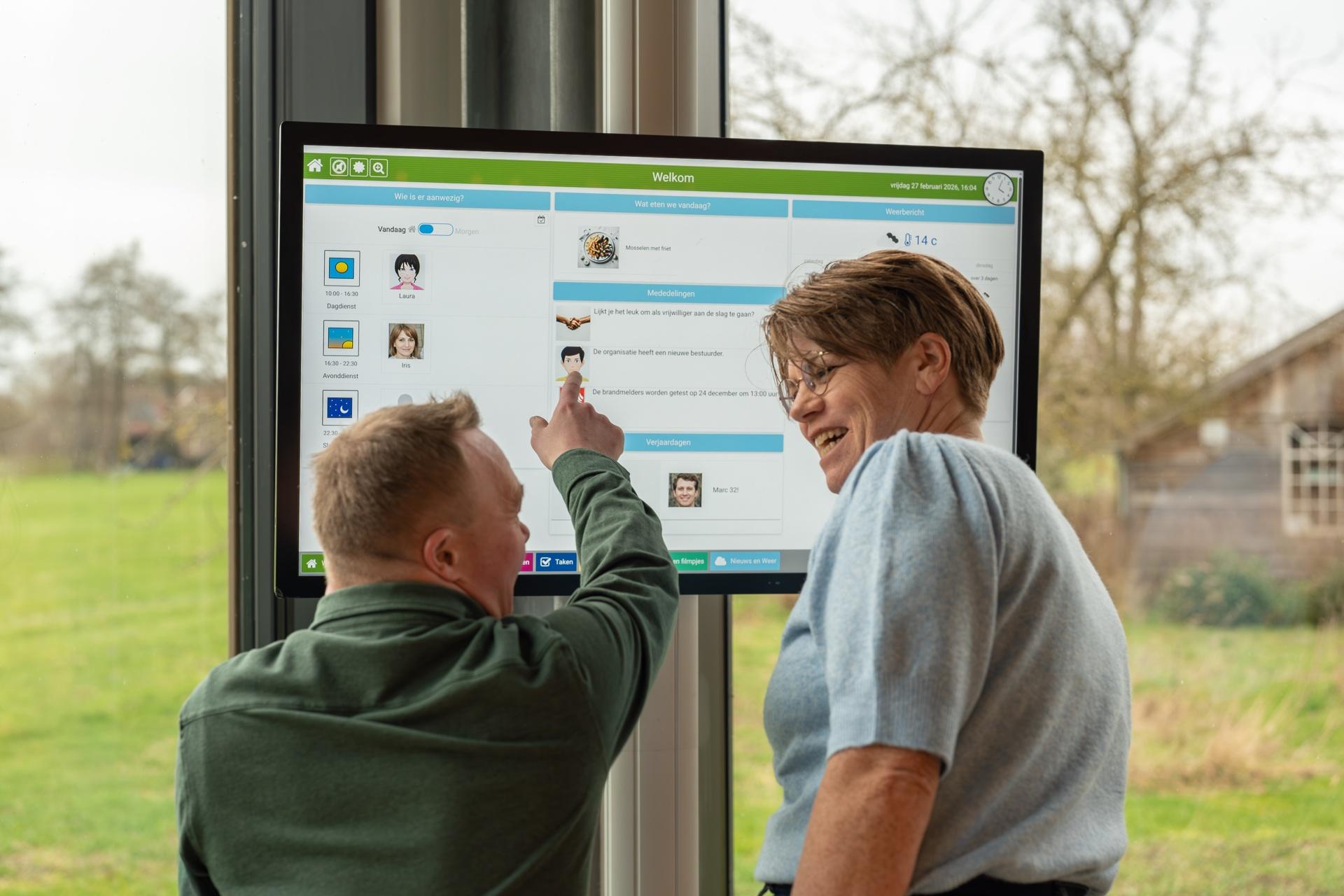
In this first module, you will get to know the online environment in a few short lessons. From here, you can easily manage everything for the people you support.
📌 What will you learn in Module 1?
Planning. Adding an activity.
Image library: Adding and managing photos and pictograms.
Activity library: Creating reusable items that you can use again and again.
Support: Using the online manual & getting in touch.